
In the world of 3D printing, maintaining the motion system is crucial for achieving high-quality prints, smooth movement, and accurate positioning. The motion system, comprising linear rails, carriage bearings, smooth rods, and extruder gears, requires regular lucubration to prevent friction, noise, and print artifacts. In this post, we will discuss the importance of lucubration on motion systems, the tools and materials needed, and provide a step-by-step guide on how to lubricate and maintain these components.
Why Lucubration Matters
Lucubration, or the act of lubricating and maintaining, the motion system is essential for several reasons:
- Print Quality: A well-maintained motion system ensures smooth movement, resulting in cleaner edges, smoother surfaces, and better dimensional accuracy.
- Longevity: Regular lubrication reduces wear on metal parts, extending the life of linear rails and rods.
- Reduced Noise: A properly lubricated and tensioned system runs more quietly, making your workspace more pleasant.
- Consistent Calibration: Good mechanical health means you'll spend less time troubleshooting issues related to layer shifts, uneven extrusion, or Z-banding.
Tools and Materials Needed
To lucubrate your motion system, you'll need the following tools and materials:
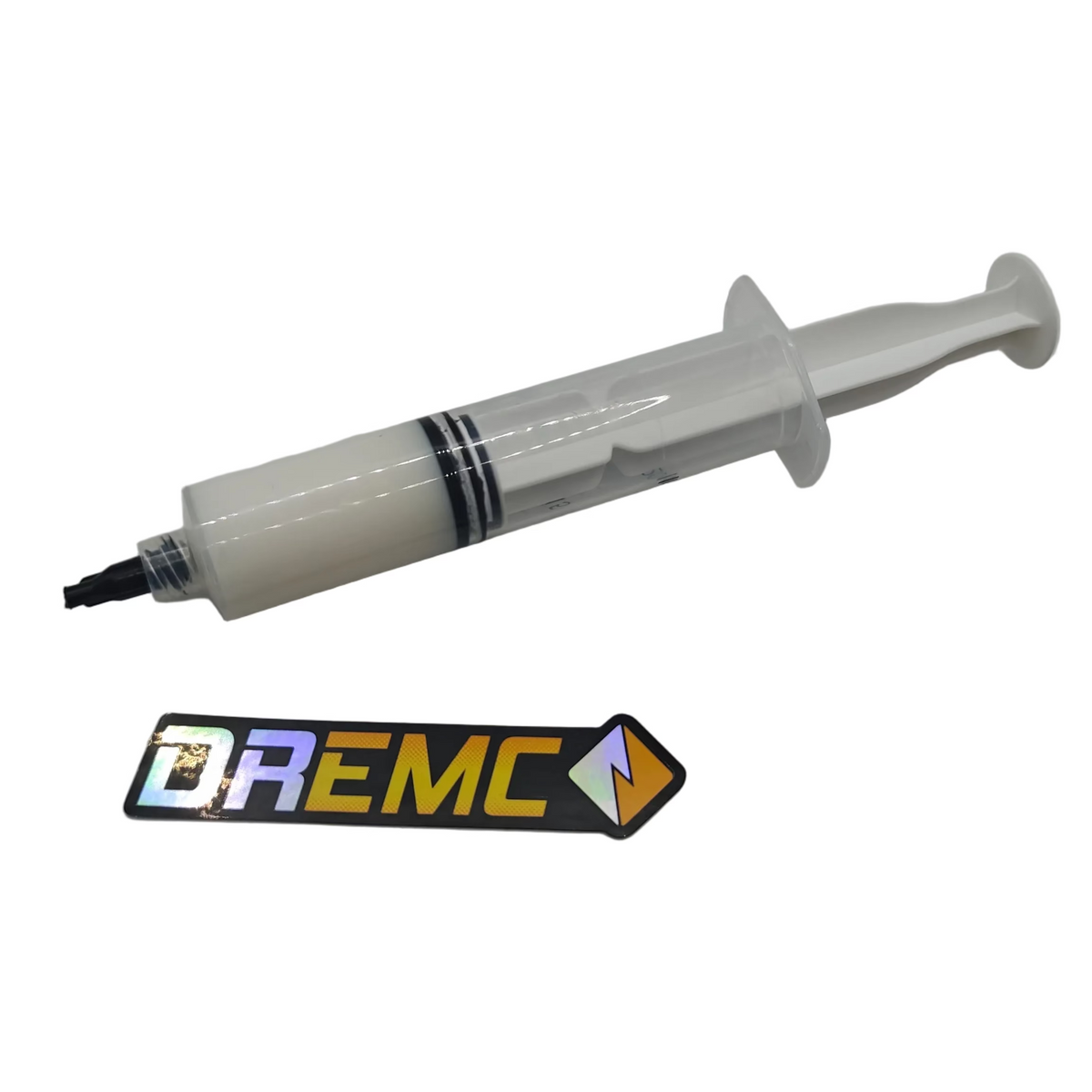
- High-Quality Lubricant: Look for a PTFE-based grease or light machine oil specifically designed for linear motion systems or for extruder gears you can use PrintSmooth high performance grease.
- Lint-Free Cloths or Shop Towels: To clean and remove old lubricant and debris without leaving fibres behind.
- Iso Alcohol/Solvent: To help soak and clean removed carriages/balls bearings by soaking them in degreasing and iso alcohol, just ensure those are safe for plastic and metal you're cleaning/soaking.
- Soft Brush or Compressed Air: For gently clearing dust and particles from hard-to-reach areas.
Lubricating Linear Rails and Rods
To lubricate linear rails and rods, follow these steps:
- Power Off & Unplug: Always begin maintenance with the printer powered off and unplugged for safety.
- Clean the Rails & Rods: Use a lint-free cloth or gentle brush to remove visible dust and debris.
- Apply Lubricant: Use a small amount of PTFE-based grease or approved lubricant into grease port.
- Wipe Excess: If there's any excess lubricant pooling, gently wipe it away with a clean cloth.
- Test Movement: Power the printer back on and home the axes. Listen for any unusual sounds and watch for smooth, fluid motion.
Video:
Troubleshooting Common Issues
- Persistent Squeaking or Grinding: Ensure you're using the right lubricant and not over or under -applying it. Check that bearings aren't rusted or damaged; if so, consider replacing them.
Final Tips
- Use Quality Parts: High-quality lubricants, belts, and bearings can greatly reduce maintenance needs and improve print quality.
- Keep It Clean: A clean environment around your printer reduces dust accumulation. Consider an enclosure or dust covers if appropriate.
- Regular Inspection: Incorporate regular re-grease at least every 6month or around 1000-2000 hours prints hours into your routine. The sooner you catch a potential issue, the easier it is to fix.
By following these guidelines, you'll help ensure your printer's motion components are in top condition, leading to smoother prints, improved longevity, and a more enjoyable 3D printing experience overall.