Most people stock spares the wrong way. They buy a few nozzles, maybe a roll of PTFE tubing, and then panic-order a new hotend at 11 p.m. when a blob of death swallows their toolhead. We run a print farm, repair printers and a spare part store, so we see both sides: the frantic customer who needs a part yesterday, and the calm operator who planned ahead and simply swaps in a spare from a labelled drawer. The difference isn't budget it's knowing what actually fails, what's a waste of money, and how many spares you really need per machine.
Here's our hard-won guide to building a spare parts inventory that keeps printers printing, not waiting on a courier.
The Parts That Fail Without Warning
Small moving parts are the serial offenders. Hotend fans, extruder gears, idler bearings, thermistors these fail suddenly and without ceremony. A hotend fan bearing seizes mid-print and heat creep destroys the entire toolhead before you notice. A filament blob consumes the heater block, thermistor, and nozzle in one go. We learned this the hard way: if you don't have a spare hotend assembly on hand when a blob strikes, that machine is down for days.
The rule we now live by: any part that moves, gets hot, or touches molten filament is a spare part you should own. That means one complete hotend assembly, one extruder motor or at least its wear components (gears, tension arm), and at least one hotend fan. Bearings are cheap and small; keep a set. We track all of this in a simple internal inventory system. Weekly or monthly, we check our remaining stock of consumables and wear items. If the drawer is looking light, we reorder before the empty bin becomes an emergency. It’s boring advice, but boring advice keeps print farms alive.
The Proprietary Parts Trap
The most stressful customer phone call we get? Someone needs a proprietary flex cable, a custom mainboard, or a specific hotend for a printer that's been discontinued, and the manufacturer is out of stock. All local resellers are dry. The only option is overseas backorder with a three-week lead time and shipping that costs half the price of the printer. That's when a $10 part becomes a reason to scrap an otherwise healthy machine.
This is why we prefer open-source printers Prusa, Voron, Sovol, anything that uses standard connectors and published schematics. Even if the company disappears, you can source compatible parts or make your own. With proprietary systems, the advice flips: if you're committed to a closed ecosystem, you must stock the custom electronics yourself. Mainboards, toolhead PCBs, flex cables. Those are the bits with no aftermarket, and when they vanish, so does your printer's uptime.
For wiring, we cheat. We don't stock every custom cable. We keep a collection of JST connectors, crimps, and silicone wire, and we re-crimp cables in-house. A custom flex cable with a 20-week lead time is a non-starter, but a re-pinned standard connector takes twenty minutes. The exception is ribbon-style flex cables that can't be easily replicated for those, buy one spare the moment you unbox the printer. If all else fail we have solder directly onto the board before.
The Overstocking Trap: What Not to Hoard
Beginners often stockpile nozzles. A drawer of ten identical 0.4mm brass nozzles. Meanwhile, the hotend fan is original, caked in dust, and about to die.
Modern hotends and nozzles are durable. A hardened steel or tungsten carbide nozzle can outlast the printer itself if you're not printing abrasives. In our print farm, we don't keep one nozzle per machine. We keep one nozzle between two to five printers, depending on how hard each runs and how critical absolute dimensional accuracy is. For machines that are over-capacity or less critical, a single spare nozzle shared across them is plenty. The money saved on not hoarding brass nozzles buys the hotend assembly or fan that will actually rescue a failed print run.
The other dust-collector: linear rails and bearings bought "just in case." These wear slowly if not store correctly. You inspect them during scheduled maintenance and replace them when they show play or roughness. Don't tie up cash and shelf space in motion components you won't need for thousands of hours.
The Essential Spares List
If someone unboxes a new printer tomorrow and asks us what to put in the drawer immediately, here's the list:
-
Hotend assembly (complete). The blob-of-death insurance policy. A full unit, pre-wired if possible, so the swap is a ten-minute job.
-
Fans. At minimum, the hotend cooling fan and the part-cooling fan. One of each. They die silently.
-
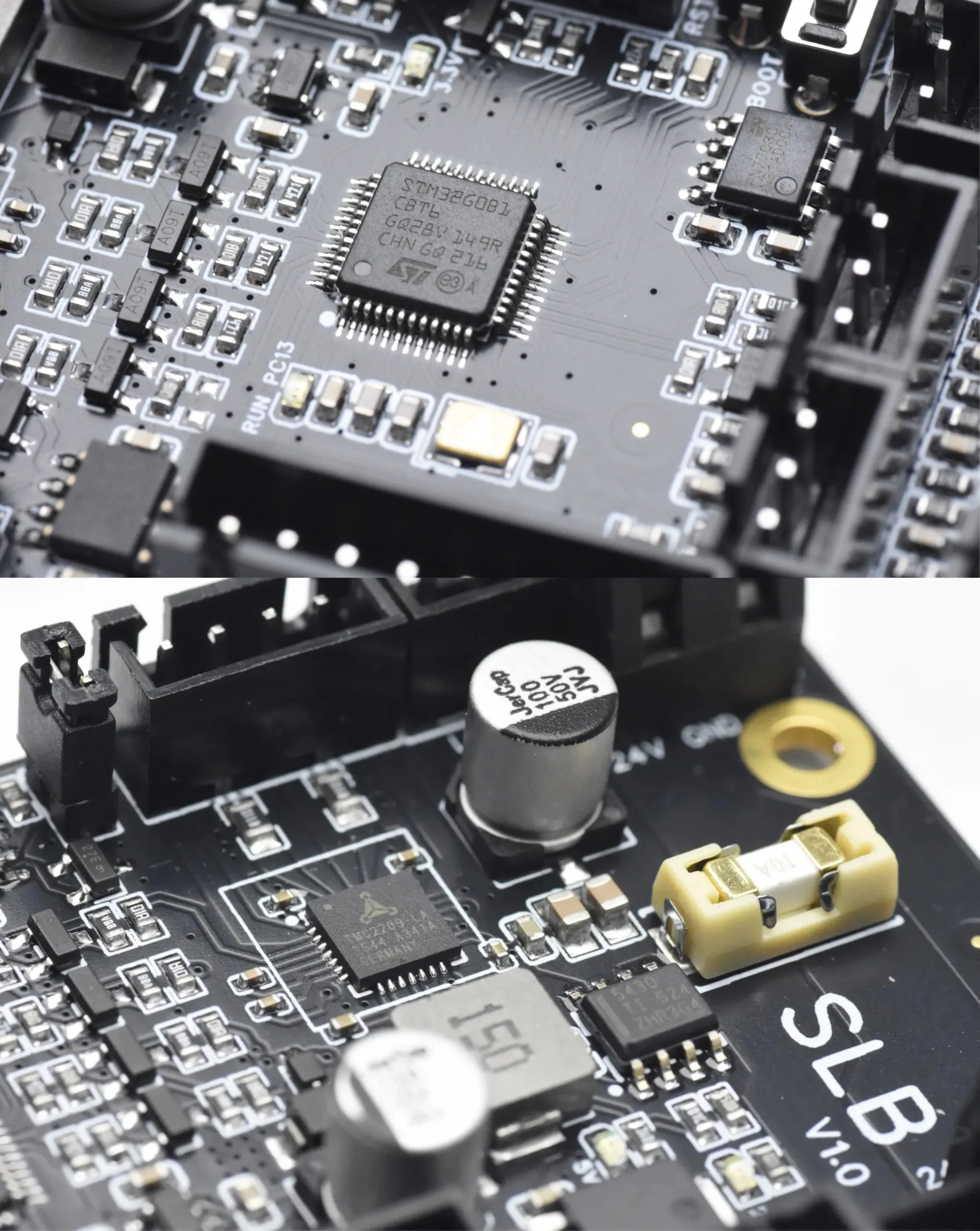
Toolhead electronics. Thermistor, heater cartridge, and the small breakout board or PCB if your printer has one. These are fragile and often proprietary.
-
Extruder wear parts. PTFE tube segments, pneumatic couplers, and any plastic lever or tension arm that flexes with every retraction.
For larger, costlier items mainboards, power supplies, motors the ratio shifts. We suggest one spare mainboard and one spare PSU for every five to ten identical machines. Motion components like linear bearings, shafts, and belts should be inspected regularly and only replaced on condition, not hoarded in bulk, belts can be purchased in bulk and cut to length to suit would be our suggestion.
The Open-Source Advantage
The single best thing you can do for your spare parts strategy is standardise your fleet on one machine model and, wherever possible, one that's open-source. If a deadline looms and a machine goes down, you can cannibalise a working part from another identical printer and keep the job moving. A mixed fleet of proprietary machines multiplies your inventory overhead. An open-source fleet shrinks it.
We've seen companies drop support for a printer two years after release. We've seen manufacturers change a toolhead PCB connector without warning, making old stock incompatible. An open-source printer doesn't eliminate failure, but it guarantees you'll always be able to find or fabricate a fix. In a world of short product cycles, that's the best spare part of all.