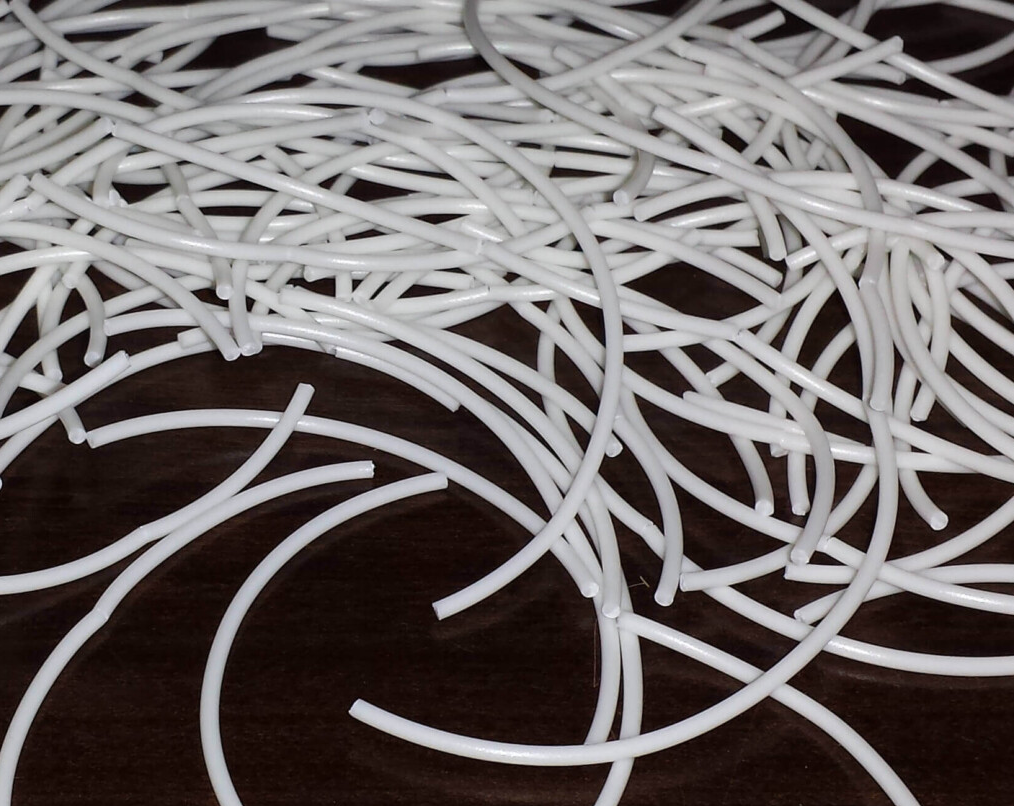
You pull a spool of PLA off the shelf, load it into your printer, and hear the dreaded snap. The filament has cracked clean through, somewhere between the spool and the extruder. Sometimes it happens mid-print, leaving your printer air-printing while you're asleep. The common culprit is moisture, but that's only part of the story. Over the years at DREMC, we've seen brittle PLA traced back to everything from UV exposure to the very additives that make a filament look stunning. Here's what we've learned about why PLA goes brittle, how to stop it, and which fixes make things worse.
The Additives That Make PLA Beautiful and Fragile
PLA is already a stiff material compared to other popular entry-level filaments like PETG and even ABS. That inherent stiffness means it has less give before cracking, and the problem gets worse when you introduce additives. Not all PLA is equal. Standard PLA in a natural or opaque colour is relatively forgiving. Start adding carbon fibre, glow-in-the-dark pigments, glass fibre, or even just the chemistry that makes a filament transparent, and you've introduced additives that alter the material's mechanical properties, often at the expense of flexibility. Also while the materials is wet, its may still print fine but won't yield the best "transparency" for transparent materials as shown below with a wet state filament and dried for PETG Transparent after 8 hours in the dryer, with same print file you can see massive improvement.

In our experience, PLA-CF, transparent PLA, and glow-in-the-dark PLA are the most prone to snapping, even when fresh. They're stiffer in a stable (dry) state, and bizarrely, they can become even more brittle when they've absorbed moisture. These blends demand careful handling: always dry them before use, and don't trust the vacuum seal alone.
UV light is the other silent killer. PLA left in direct sunlight, on a windowsill, in a car, or near an unshaded workshop window, will degrade rapidly. The filament may look fine, but its structure is breaking down. Our rule is simple: store all filament out of direct sunlight, always.
The Oven-Drying Horror Stories Are Real
You've probably seen the Reddit posts: a melted spool fused into a single plastic hockey puck, an oven rack dripping with what used to be a roll of PETG, or worse, a kitchen filled with fumes. We've encountered our own near-misses when drying near-empty spools on older, cheaper plastic spools. Many budget spools are made from ABS or other low-temperature plastics, and they'll start to soften or warp before the filament even reaches its drying temperature.
Our strong recommendation: invest in a dedicated filament dryer that's been independently reviewed. We point people to reviewers like MyTechFun, who measure temperature overshoot and stability across multiple dryer models. A dryer that runs 10-20°C too hot can fuse a spool into a solid brick; one that undershoots wastes hours and electricity. Look for a model with accurate temperature control and even heat distribution. And note: we stock most of our PLA on cardboard spools. Cardboard won't outlast the filament in a meltdown, it will start to degrade first, acting as a useful early warning system.
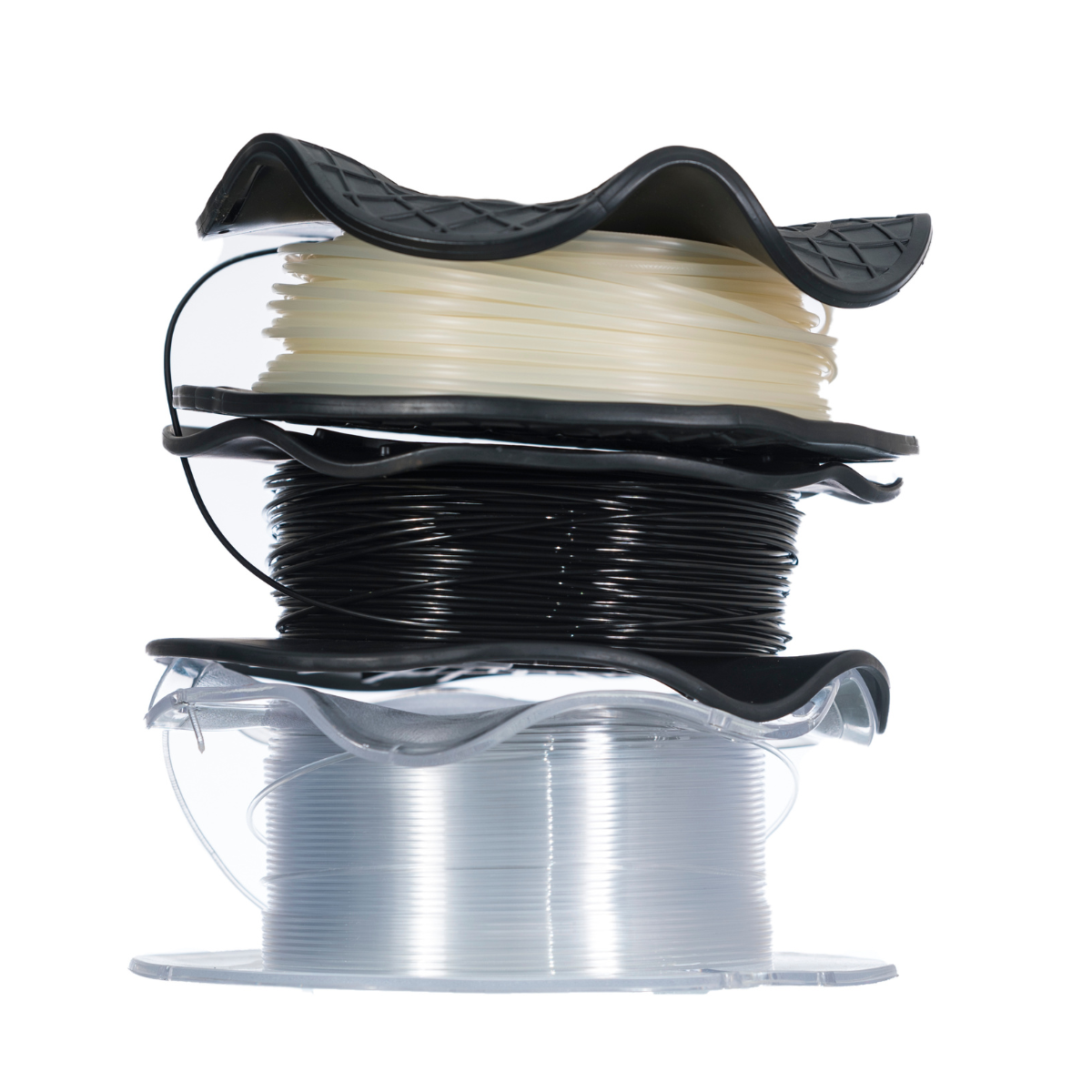
Image Source: Drywise
"But It Was Vacuum-Sealed!" Why New Spools Still Snap
We hear this constantly: a customer opens a sealed spool, feeds it into the printer, and it snaps within minutes. "It was vacuum-sealed, how can it be wet?"
Vacuum bags, especially clear ones, are not perfect. Moisture vapour can still permeate the plastic over time. A spool that's been sitting on a warehouse shelf for eighteen months or wet from sitting a factory or the transit from overseas factory, which mean its can arrive damp even if the bag feels tight. This is why we tell every customer: a filament dryer is not an optional luxury, it's a necessity. For standard PLA, you can often get away without drying, but the moment you move into CF, glow-in-the-dark, glass fibre, or transparent blends, drying before use is mandatory. It's the single most effective thing you can do to prevent brittleness and improve print quality. If you don't have dryer, you can use filament box and printer bed, more information: https://support.dremc.com.au/en/support/solutions/articles/51000385291-filament-drying-without-a-filament-dryer
The Rewinding Trap
So your filament snapped. Or the spool is wound so badly it's about to tangle. The temptation is to re-spool it onto a new roll. We're going to say what nobody wants to hear: don't do it unless you absolutely must.
If you're forced to rewind PLA, say the spool is physically broken, first ensure the filament is thoroughly dried. Wet filament under bending stress is a recipe for more snaps. Then, if it's a full spool, our advice is to re-spool it twice. Factory-wound filament carries internal stresses from the original winding radius, which differs from the inner core to the outer layers. A single transfer simply layers new stress on top of old. Rewinding twice helps relieve that stress. And regardless, plan to use the re-spooled filament as soon as possible. It's on borrowed time.

The Storage Strategy That Actually Works
Beyond drying, long-term storage is where you win or lose the brittleness battle. Our in-house approach:
-
Dry the filament thoroughly before storing it. Don't assume it's dry out of the box.
-
Store in an airtight container with fresh desiccant. Vacuum bags with a desiccant pack inside are great for medium-term storage; a sealed dry box with a large rechargeable desiccant unit works for daily use.
-
For tricky materials, avoid leaving them loaded in your CFS or AMS system. The tight bend radii inside these multi-material units put constant stress on brittle filaments. If a filament is known to be fragile, we print it directly from an external spool holder with the shortest, straightest possible path to the extruder. That alone can be the difference between a successful print and a midnight spaghetti disaster.
The bottom line: PLA brittleness is almost always preventable. Buy a good dryer, store your spools in sealed, desiccant-protected containers away from sunlight, and treat those gorgeous carbon fibre and glow-in-the-dark rolls with the care they demand. Your printer, and your overnight print success rate, will thank you.
Cover Source Image: https://3dprintingspace.com/t/my-filament-is-brittle-what-do-i-do/109